
Tips to better pictures (4)
Portraits
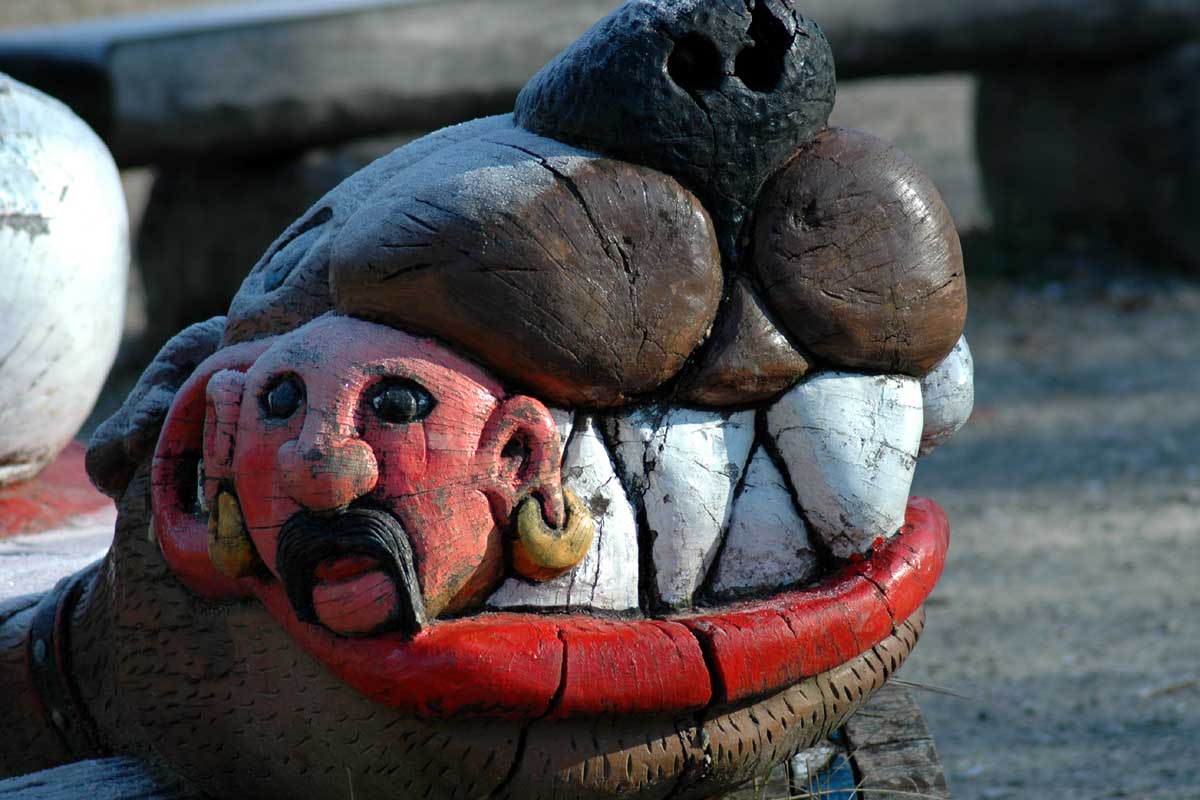
For close-up shots, use a lens with a focal length of about 100 mm to keep the face in its normal proportions. It also provides space between you and your model and is therefore less intrusive. Focus on the eyes, because this is where we normally look. Choose a wide aperture to reduce the depth of field and blur any disturbing background elements. Use a tripod and remote shutter release. In this way you can look directly at and talk to your model. This helps to put your model at ease and draw out his or her character.
Experiment
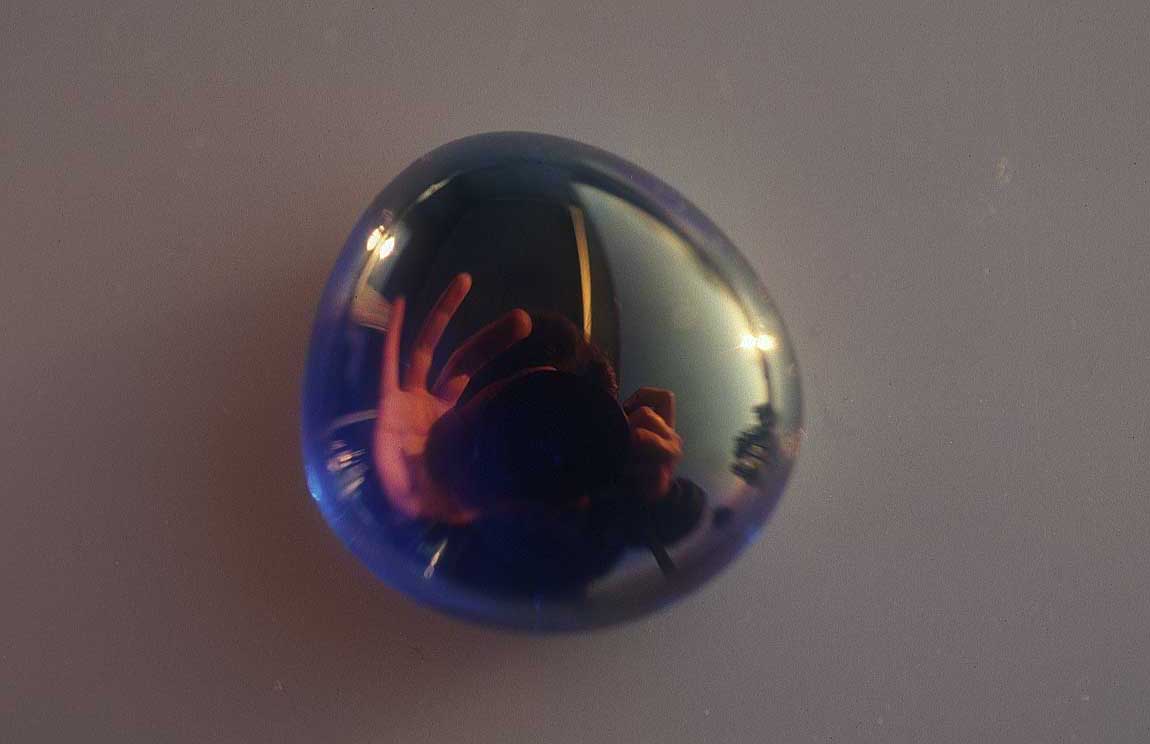
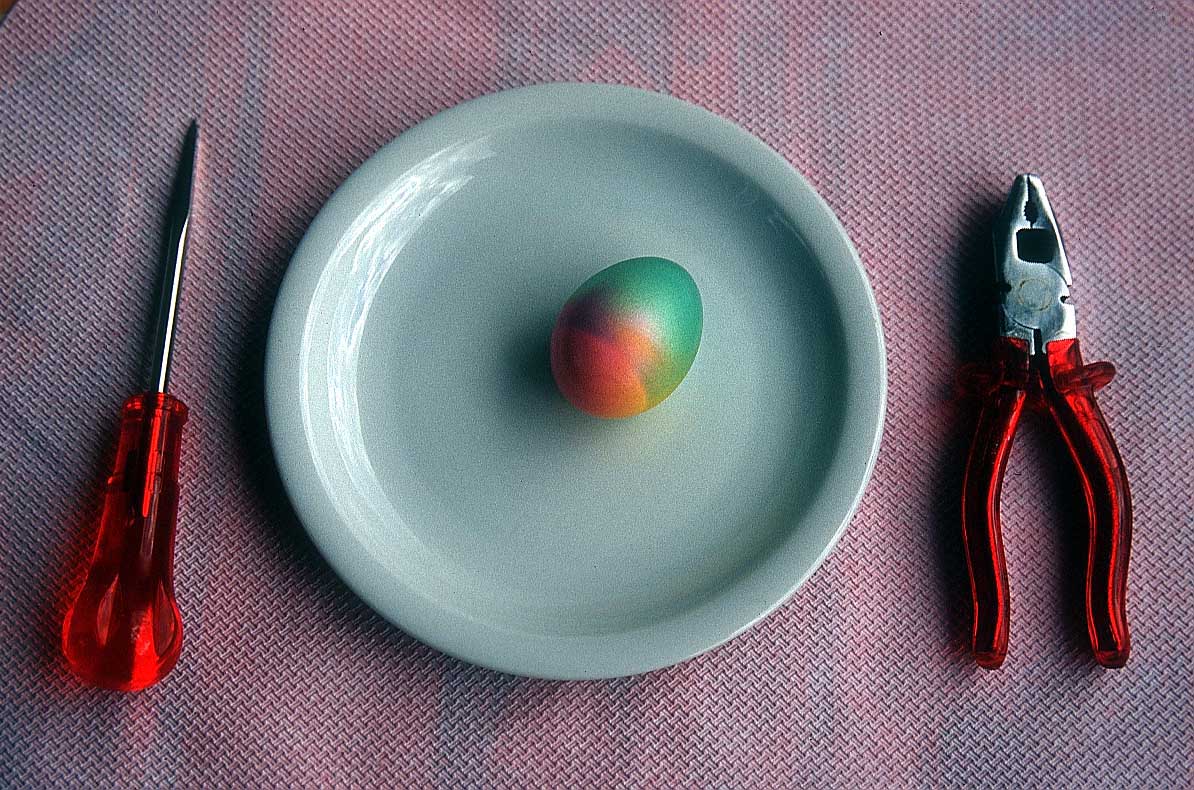
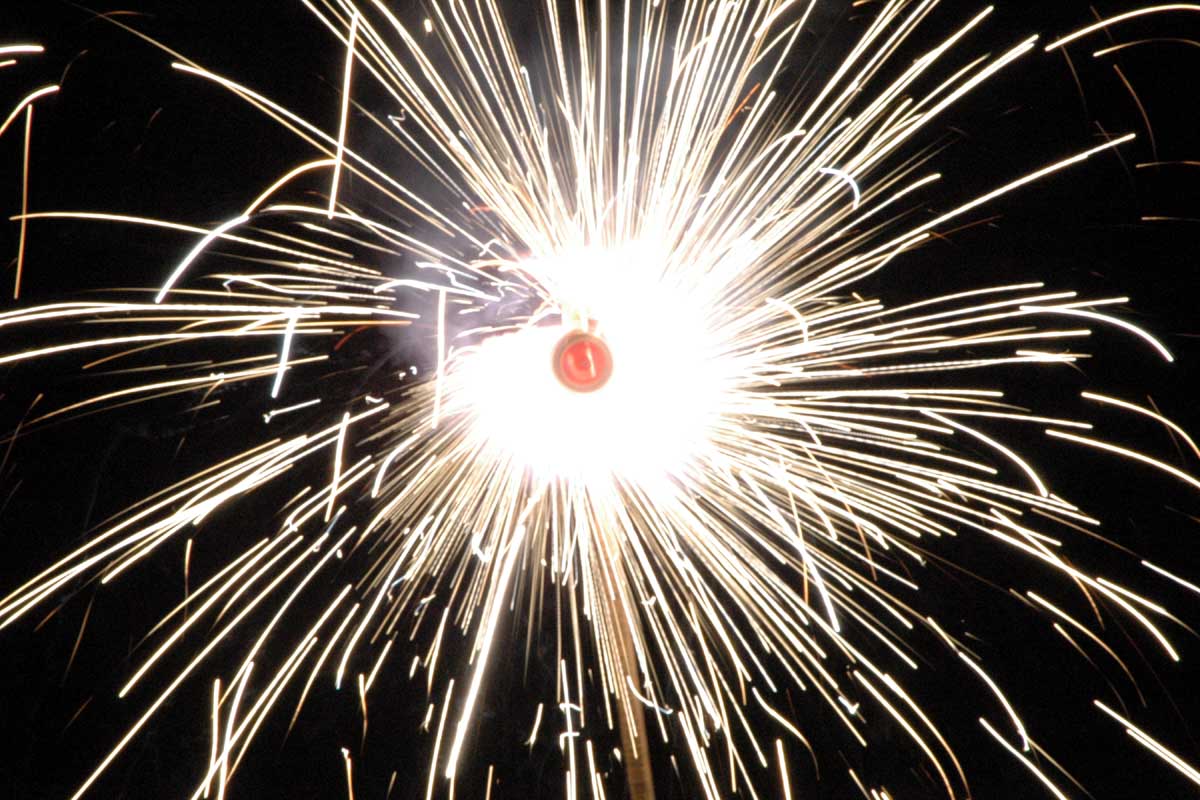
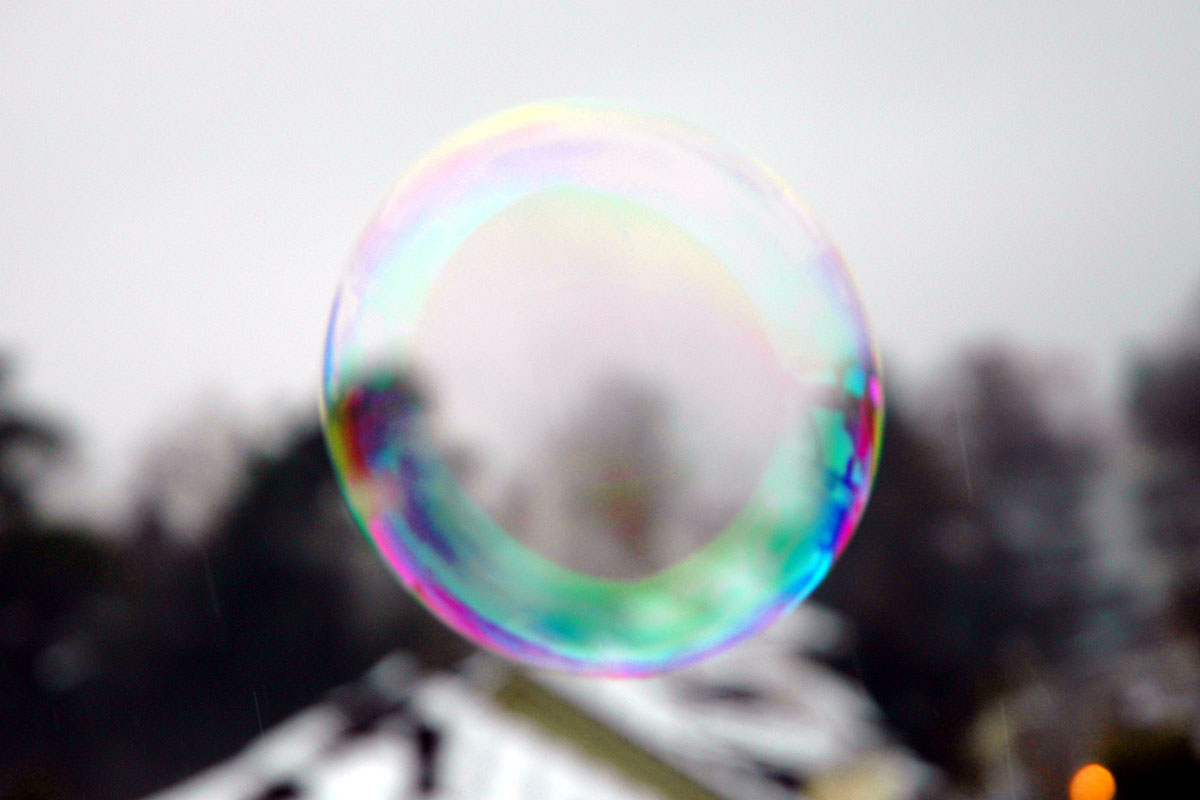
When using negative film and commercial printing, photographs are automatically corrected as far as possible to produce “normal” exposure and colour. However, this does not help if you are experimenting, or want to deliberately under or overexpose. To see true results, use transparency film. This cannot be automatically corrected during processing – you get what you shoot. If you use a digital camera you can check the result immediately and re-shoot until you get the effect you’re looking for.